A design system audit plugin is a Figma plugin that traverses a page or selection, inspects each node’s styling properties, and reports where the design deviates from a defined set of system rules. Common checks include whether fills reference a published color style rather than a raw hex value, whether text nodes use a defined text style, and whether spacing values fall on an accepted scale. The plugin does not fix violations; it surfaces them so a human can decide what to do.
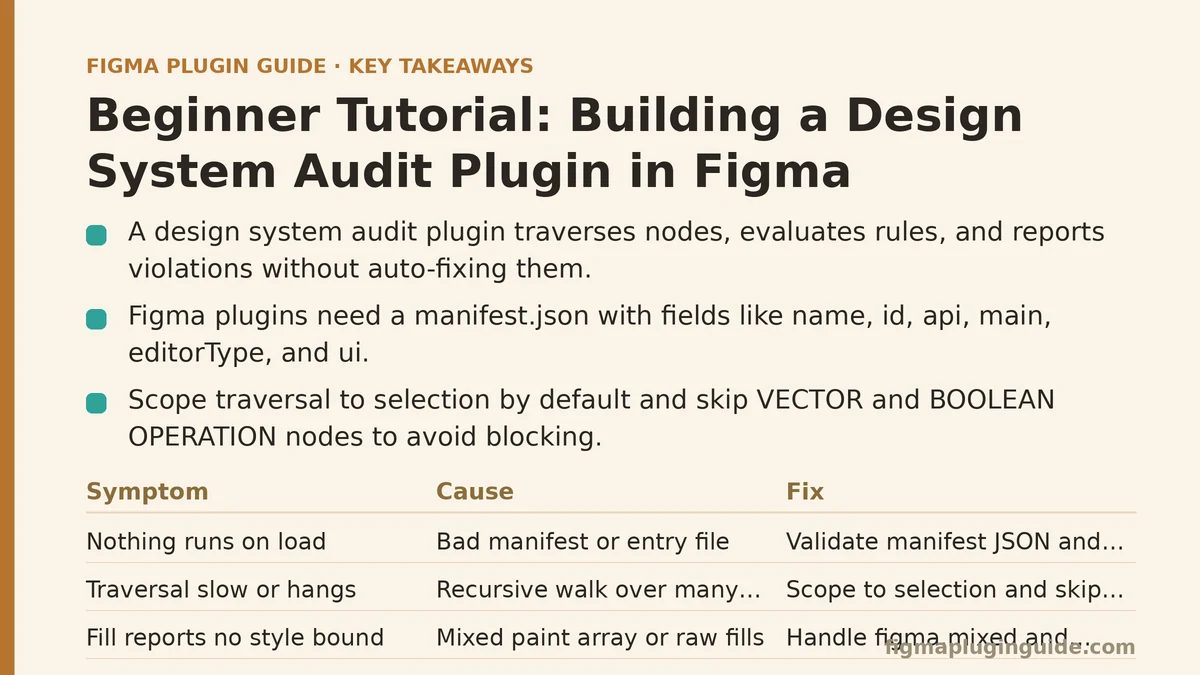
What You Are Building Before You Write Code
The audit plugin has three responsibilities, and separating them in your head prevents the most common beginner mistake of jamming everything into one figma.showUI callback.
- Traverse the target scope (current selection or entire page) and collect nodes.
- Evaluate each node against a rule set — does this fill point to a style? Is this font size in the type scale?
- Report the findings, either in the plugin UI or by selecting offending nodes on the canvas.
The Figma plugin runtime gives you synchronous access to the document tree through figma.currentPage, node.findOne, and recursive walks. It does not give you network access from the sandboxed plugin code unless you explicitly allow it in networkAccess. For an audit that runs entirely offline, you do not need any network permissions at all — keep the manifest locked down.
Symptom: Nothing Runs When You Load the Plugin
Cause: The manifest is missing required fields or points at the wrong entry file.
A Figma plugin needs at minimum a manifest.json with name, id, api, main, editorType, and ui. For a plugin that opens a panel, the ui field points to an HTML file that loads your UI script.
{
  "name": "Design System Audit",
  "id": "1089999999999999999",
  "api": "1.0.0",
  "main": "code.js",
  "ui": "ui.html",
  "editorType": ["figma"],
  "networkAccess": {
    "allowedDomains": ["none"]
  }
}
Fix: Run the plugin through Plugins → Development → Import plugin from manifest… in the Figma desktop app. If the menu item does not appear, the editorType array is wrong or the JSON has a trailing comma. Figma will refuse to load a manifest with invalid JSON and will not always tell you which key broke it — validate it with node -e "JSON.parse(require('fs').readFileSync('manifest.json','utf8'))" before importing.
Symptom: The Traversal Is Slow or Hangs on Large Files
Cause: Recursive node.children walks over a page with thousands of nodes, plus a getStyledTextSegments call per text node, will block the plugin’s single thread.
Fix: Scope the traversal. Offer the user a choice between “current selection” and “current page,” and default to selection. Then prune traversal by node type — an audit for color and text styles never needs to descend into boolean operations or vector groups.
// code.js
function collectAuditableNodes(root) {
  const out = [];
  const skipTypes = new Set([
    "BOOLEAN_OPERATION",
    "VECTOR",
    "STAR",
    "LINE",
  ]);

  function walk(node) {
    if (skipTypes.has(node.type)) return;
    if (node.type === "TEXT") out.push(node);
    if (node.type === "RECTANGLE" || node.type === "FRAME" || node.type === "COMPONENT") {
      out.push(node);
    }
    if ("children" in node) {
      for (const child of node.children) walk(child);
    }
  }

  walk(root);
  return out;
}

(async () => {
  const scope = figma.currentPage.selection.length
    ? figma.currentPage.selection
    : [figma.currentPage];

  const nodes = [];
  for (const root of scope) {
    nodes.push(...collectAuditableNodes(root));
  }

  figma.ui.postMessage({ type: "audit-complete", count: nodes.length });
})();
The skipTypes set is the single biggest performance lever. On illustrations built from hundreds of vector layers, skipping VECTOR and BOOLEAN_OPERATION typically removes the majority of nodes from the walk with no loss of audit coverage.
Symptom: A Node Shows a Fill but Reports as “No Style Bound”
Cause: You are checking node.fills[0].styleId without accounting for paint arrays, figma.mixed, and the fact that a node can have style-bound and raw fills on the same array.
Figma exposes paint objects with an optional styleId when they reference a published paint style. When the array is heterogeneous, reading fills returns the figma.mixed symbol, which cannot be indexed.
Fix: Handle the mixed case explicitly and evaluate every paint in the array.
function checkFills(node) {
  const violations = [];
  if (!("fills" in node)) return violations;
  if (node.fills === figma.mixed) {
    violations.push({ node, reason: "mixed fills" });
    return violations;
  }
  node.fills.forEach((paint, i) => {
    if (paint.visible === false) return;
    if (paint.type === "SOLID" && !paint.styleId) {
      violations.push({
        node,
        reason: `fill[${i}] not bound to a style (${paint.color.r},${paint.color.g},${paint.color.b})`,
      });
    }
  });
  return violations;
}
For text nodes, the same logic applies to textStyleId, but the check is simpler because a text node has exactly one active text style. It can, however, have per-range overrides — use node.getStyledTextSegments(["textStyleId"]) to detect those, and flag anything that returns more than one segment as an override.
Symptom: The Report Lists Nodes but Clicking Doesn’t Select Them
Cause: You sent back node objects over postMessage. The plugin UI and the main thread run in separate contexts, so only serializable data crosses the boundary.
Fix: Send node.id strings, and have the UI post the ID back so the main thread can call figma.getNodeById(id), select it, and scroll the viewport.
// main thread — handle a request from the UI
figma.ui.onmessage = (msg) => {
  if (msg.type === "select-node") {
    const node = figma.getNodeById(msg.id);
    if (node) {
      figma.currentPage.selection = [node];
      figma.viewport.scrollAndZoomIntoView([node]);
    }
  }
};
<!-- ui.html -->
<button data-id="12:34">Jump to node</button>
<script>
  document.querySelectorAll("button[data-id]").forEach((btn) => {
    btn.addEventListener("click", () => {
      parent.postMessage(
        { pluginMessage: { type: "select-node", id: btn.dataset.id } },
        "*"
      );
    });
  });
</script>
This single round trip is what separates a usable audit tool from a report that just prints hex codes.
Symptom: The Audit Flags Components You Already Know Are Fine
Cause: Your rule set applies uniformly, but some nodes legitimately bypass the system — internal component parts, brand logos, one-off marketing graphics.
Fix: Build an ignore mechanism before you build more rules. The two approaches that work reliably:
- Ignore by component ancestor: Walk up
node.parentand stop at the nearestCOMPONENTorCOMPONENT_SET. If that component’s name matches an allowlist, skip the subtree. - Ignore by layer name prefix: Reserve a convention like
_ignore/and checknode.name.startsWith("_ignore/").
Whichever you pick, document it. An audit tool that cannot be quieted gets disabled after a week.
Symptom: Every Spacing Value Is Reported as Off-Scale
Cause: You are reading absolute geometry (node.x, node.width) and comparing against your spacing tokens. Absolute geometry carries layout context, not design intent.
Fix: Audit the properties that correspond to tokens, not the rendered geometry:
| What You Want to Check | Property to Read | Not This |
|---|---|---|
| Fill color token | paint.styleId on each paint | paint.color hex |
| Text style token | node.textStyleId | node.fontName + fontSize |
| Corner radius token | node.cornerRadius or node.topLeftRadius | Derived from bounding box |
| Effect token | node.effectStyleId on node.effects | node.effects blur/offset values |
| Auto-layout spacing | node.itemSpacing on the containing frame | Child node.x deltas |
Reading rendered values is only appropriate when you intend to flag hardcoded values, and in that case the audit message should say so explicitly (“raw hex fill, no style”), not pretend it is a token violation.
When Not to Build This Plugin
Auditing is a good fit for teams that already have a published library with styles and variables. If your team has not consolidated color and type into styles yet, an audit plugin will report that everything is broken, which is technically accurate but not actionable. The prerequisite is a published library, not the plugin.
Two more cases where a custom plugin is the wrong investment:
- You only need to check one or two rules. Figma’s built-in library health and the file’s “styles in use” panel already surface unlinked styles without any code.
- The rules change every sprint. Hardcoding rules into a plugin means every rule change is a code change. If your scale is still in flux, wait until it stabilizes, or design the plugin to read rule definitions from a JSON file shipped alongside it.
Conversely, a custom audit plugin earns its keep when you have many rules, multiple files to check, and a need for a repeatable report the team runs on a schedule.
Verifying the Plugin End to End
Before you trust the output, run through this sequence on a small test file:
- Create a frame with three rectangles. Give one a published paint style, one a raw
#FF0000fill, and one a style that was later detached. - Run the plugin scoped to selection.
- Confirm the result count is two (the raw fill and the detached style), not three and not zero.
- Click each reported node in the UI and confirm the viewport jumps to the correct node.
- Delete the styled rectangle and re-run. The count should drop to one.
If any step fails, the failure is almost always in one of three places: the figma.mixed guard, the styleId presence check, or the postMessage serialization. Log node.type and JSON.stringify(node.fills) for the offending node to narrow it down.
A Minimal Rule Set to Start With
Resist the urge to ship a dozen rules in version one. These four cover the majority of design system drift:
- Every visible solid fill on a frame or rectangle has a
styleId. - Every text node has a
textStyleIdand no styled text segments (no per-range overrides). - Every auto-layout frame has
itemSpacingset to a value drawn from your spacing scale. - Every component instance points at a component that exists in a published library (
instance.mainComponent.remote === true).
Each rule is a function (node) => Violation[]. Keep them in a separate rules.js file and import them into code.js. That file is what you edit when the system evolves; the traversal and reporting code should not need to change.
Where the Audit Fits in a Workflow
An audit is a diagnostic, not a gate. Running it on every push during active design work produces noise. Running it before a handoff, before a library version bump, or on a weekly cadence produces a short list the team can act on. Build the plugin so the scope is easy to change (selection vs. page) and the output is easy to export (a copyable list of node IDs and reasons). Those two properties matter more than the number of rules you ship.