A design spec is a static value: this frame sits 24px from that one, this button is #3B82F6. Design handoff is something larger — the full transfer of intent from designer to developer, specs included, but also asset formats, interaction states, edge-case behavior, and the reasoning behind why a component works the way it does. Treat the two as interchangeable and you get exactly the failure mode this confusion produces: a meticulously documented spacing system sitting next to a hover state the developer built completely wrong.
This post works through the plugin landscape for developer handoff by testing common assumptions against what these tools and workflows really deliver.
Myth: A Measurement Tool Is the Same Thing as a Handoff Tool
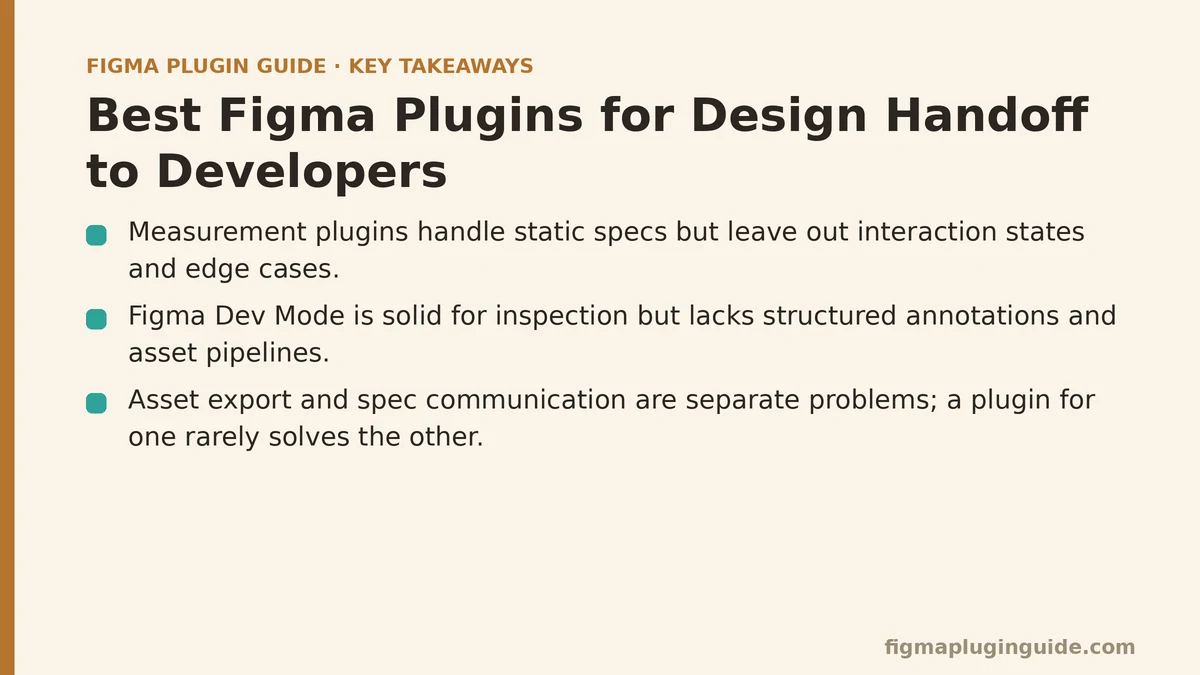
A lot of teams treat pixel-measuring plugins as the whole handoff solution. Install a ruler plugin, let developers pull spacing and color values, call it done. That approach handles one narrow slice of the problem — the static spec — while leaving out most of what a developer needs to build the thing correctly: the hover behavior, the empty state, how a component holds up at the smallest supported screen width.
Reality: Measurement is table stakes, not the finish line. Teams that stop there run into the same pattern over and over — a developer pulls precise spacing and still ships an interaction that misses the design intent, because nothing in the handoff process ever touched behavior. Pair measurement tooling with something built to document states and interactions, or that gap will keep resurfacing project after project.
Myth: Figma’s Built-In Dev Mode Makes Third-Party Handoff Plugins Obsolete
Since Dev Mode shipped, the reasoning goes: why bother installing anything extra when Figma already surfaces CSS, spacing, and asset export on its own? For plenty of straightforward projects, this holds up without issue.
Reality: Dev Mode is solid for direct inspection, but it wasn’t designed to close every gap a larger or more process-heavy team runs into. Structured annotation systems, asset pipelines that feed directly into a codebase, integrations with issue trackers or design-systems documentation — these still fall outside what Dev Mode covers by default. Teams with lighter needs may not need much beyond it. Teams managing complex design systems across multiple squads tend to find they still want a dedicated plugin layered on top.
Myth: Exporting Assets and Exporting Specs Are the Same Task
Once icons and images are exported at the right resolutions, it’s tempting to treat handoff as basically finished — the visual pieces are in the developer’s hands, so what’s left to do?
Reality: Asset export and spec communication are two separate problems, and a plugin built to solve one rarely does much for the other. Asset export tools focus on getting correctly formatted files — SVGs, multiple PNG densities — into a developer’s project with minimal manual renaming or resizing. Spec communication tools focus on transferring the decisions you can’t see just by looking: spacing values, type scale, color tokens, component states. Solve only the asset side and the spec-communication gap sits wide open. The reverse is just as true.
Myth: One Annotation Style Works for Every Handoff Situation
Some teams default to whatever annotation plugin a past hire happened to favor and apply it across every project, regardless of what’s actually being handed off. A marketing page and a stateful data table have wildly different documentation needs, yet the annotation approach stays identical either way.
Reality: Annotation needs scale with the complexity of what’s being built. Simple static pages need little more than basic spacing and color notes. Interactive components with multiple states — loading, error, empty, populated — need annotation tooling capable of capturing and labeling each state on its own, or developers are left guessing at behavior the design file never shows them. Matching annotation depth to component complexity, instead of defaulting to one approach everywhere, cuts down on the follow-up questions that chip away at a sprint.
Myth: Once a Handoff Plugin Is Installed, the Documentation Gap Closes Itself
Installing a well-reviewed handoff plugin feels like it should settle things. The tool is capable, the specs are visible, the assets export cleanly — so why do developers still come back asking how a component is supposed to behave?
Reality: Most handoff plugins are strong at surfacing measurements and generating exports, and noticeably weaker at capturing interaction logic, conditional states, and edge cases. That’s less a plugin failure than a documentation habit no tool builds for you automatically. Teams that pair a handoff plugin with one lightweight habit — a short written note on interaction behavior attached to each complex component — see far fewer round-trip clarification questions than teams relying solely on the plugin’s default output.
A Quick Reference for Matching the Tool to the Actual Gap
| Assumption | What It Actually Covers | What Still Needs Addressing |
|---|---|---|
| Measurement plugins | Static spacing, color, type values | Interaction states, edge cases |
| Figma Dev Mode | Native inspection, CSS, basic export | Structured annotation, complex integrations |
| Asset export tools | Correctly formatted, sized image files | Spec communication, layout logic |
| Annotation plugins | Documenting decisions and context | Matching depth to component complexity |
| Any handoff plugin alone | Visible specs and clean exports | Interaction logic and state documentation |
Sorting Out Which Gap Your Team Has
Before reaching for another plugin, pin down which of these gaps is causing the friction on your team. A developer asking “what does this spacing mean” is describing a measurement problem. A developer asking “what happens when this list is empty” is describing a state-documentation problem — a different issue entirely, unrelated to spacing. Aim a tool at the wrong gap and the real friction stays put while your stack gains one more plugin nobody fully uses.
Run a quick audit of your last few handoff round-trips: what questions did developers raise, and which category above would have headed off each one? That short exercise tends to point straight at the plugin category worth prioritizing next, rather than whichever one happens to be trending in a plugin roundup.
Which of these gaps sounds closest to what your team keeps running into — measurement clarity, state documentation, or asset formatting? Describe the pattern you’re seeing and I can help narrow down which plugin category is worth testing first.
Related guides: Best Figma Plugins for AI Design Automation, Best Figma Plugins for Icon Design and Management, and Best Figma Plugins for Motion and Animation Design.