A prototype doesn’t need more frames to handle more logic — it usually needs fewer. Take a multi-step onboarding flow with a handful of conditional paths: done the conventional way, that can balloon into 50 or more painstakingly connected frames. Done with the right plugin, the same logic often fits on a handful of frames, with a fraction of the manual wiring. That gap between what people assume prototyping tools require and what they actually deliver is where most of the confusion about Figma plugins lives.
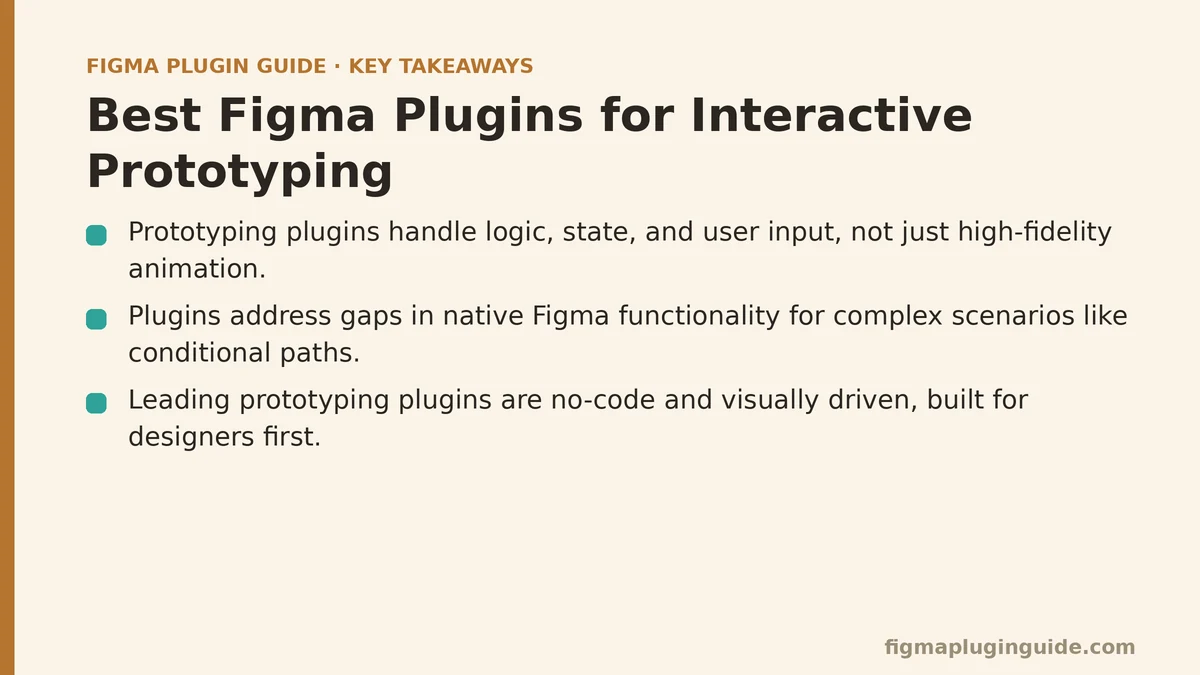
Myth: Prototyping Plugins Are Just for High-Fidelity Animation
The common assumption is that prototyping plugins exist in the same category as After Effects — timeline-based, animation-heavy tools built for visual polish. Under that framing, plugins look like a “nice-to-have” layered on top of the real design work, something you’d reach for to add flair rather than something that changes how you build. It’s an easy conclusion to reach, and it’s also why so many designers write plugins off as overkill before ever trying one.
Reality: They Excel at Logic, State, and User Input
Some plugins do handle sophisticated animation, sure. But the ones that change how you work solve a different problem entirely: making a prototype respond to input and branching logic the way a real product would. Picture a plugin that stores a user’s name in a variable and displays it on the next screen, or one that flips a button’s state depending on whether a form field was filled in correctly. None of that is about motion. It’s about building something that behaves like software instead of a slideshow — and that distinction is what makes user testing and stakeholder walkthroughs so much more convincing.
Myth: Figma’s Native Prototyping Is All You Ever Need
Figma’s built-in prototyping has come a long way, and for simple click-throughs or linear flows, it does the job without complaint. That’s exactly the problem — it’s good enough often enough that plugins start to look like a solution in search of a problem, and most designers never test that assumption against a harder case.
Reality: Plugins Address Gaps in Native Functionality for Complex Scenarios
The cracks show up the moment a flow needs more than a straight A-to-B link. Try faking a conditional path — “if the user picks option X, send them to screen C; if Y, screen D” — with native tools, and you end up duplicating whole frames until you’re staring at a spaghetti tangle of connectors. Plugins built around tools like ProtoPie or Framer let you build that same branching logic on a single frame instead, which makes the prototype easier to manage and far easier to revise later. They’re built specifically to cover what native Figma doesn’t do well: variables, formulas, and real input coming from the user rather than a designer clicking through a script.
Myth: Using Prototyping Plugins Requires Learning to Code
The logic these plugins produce looks technical enough that it’s easy to assume scripting sits underneath it — some flavor of JavaScript a designer would need to learn before touching any of this. That perceived barrier keeps a lot of people from even opening the plugin panel.
Reality: The Best Tools Are No-Code and Visually Driven
In practice, the leading plugins are built for designers first, developers never. They rely on node-based canvases or straightforward event-trigger-response panels rather than a code editor. You’re connecting blocks that represent design logic, not writing functions. That’s what makes it possible to build stateful, multi-path prototypes without leaving a visual environment — sophisticated interactivity without a line of code, and genuinely accessible even if your last coding class was a decade ago.
When Plugins Outperform Native Prototyping
Native tools are still the right place to start. But reach for a plugin the moment your prototype involves any of the following — this is where the time saved and the added realism become hard to ignore:
Conditional Logic: If the user’s path needs to branch based on a choice — different options in a form, say — faking it with duplicated frames gets messy fast. A plugin’s conditional triggers handle the same branching without the frame count spiraling.
User Input & Variables: If the prototype needs to remember something the user typed and surface it later — text entered on one screen appearing on the next — native prototyping simply has no mechanism for that kind of data persistence.
Complex Component States: When a component needs several intertwined states driven by more than a hover or a click, plugins manage that statefulness with far less overhead than Figma’s interactive components can offer alone.
Integration with Device Sensors: For mobile prototypes that need to respond to a camera, accelerometer, or other hardware input, a dedicated prototyping tool linked through a plugin is really the only route that works.
What I Showed My Colleague
A colleague of mine had built a multi-step onboarding flow across more than 50 carefully connected frames, just to account for a few simple conditional paths. In their mind, plugins were for “fancy micro-interactions” — a category that had nothing to do with what they were building. They hadn’t considered that the entire logical flow could live on a handful of frames instead, sparing them hours of manual wiring.
So we rebuilt one of their key decision points together. A dozen duplicated frames became a single frame paired with a few conditional rules, each one surfacing different content depending on what the user selected.
Watching that one set of rules replace what used to be hours of duplicating and rewiring artboards made the case for them instantly. They’ve since carried this approach into every user-testing prototype they build, and they now put together more complex, more realistic flows in less time than the old linear paths used to take them.
What’s the one interaction in your current project that feels impossible or too tedious to prototype with Figma’s native tools alone? Describe it, and I can point you toward a plugin built for exactly that kind of logic.
Related guides: Best Figma Plugins for AI Design Automation, Best Figma Plugins for Accessibility Checking, and Best Figma Plugins for Content Population.