A Figma plugin that fails silently in the Figma desktop app and a plugin that fails with a red error toast are often the same underlying bug — the difference is only whether the error surfaced through the UI thread or was swallowed by a promise. Developers commonly treat these as two distinct classes of problem and chase the wrong one first, which is why the troubleshooting sequence below starts with isolating which execution context you are looking at before touching any code.
This walkthrough follows one representative failure case — a plugin whose UI rendered correctly in the development environment but threw a Cannot read properties of undefined error as soon as it was loaded from a built bundle — and expands outward into the checklist items that explain why each mistake class recurs.
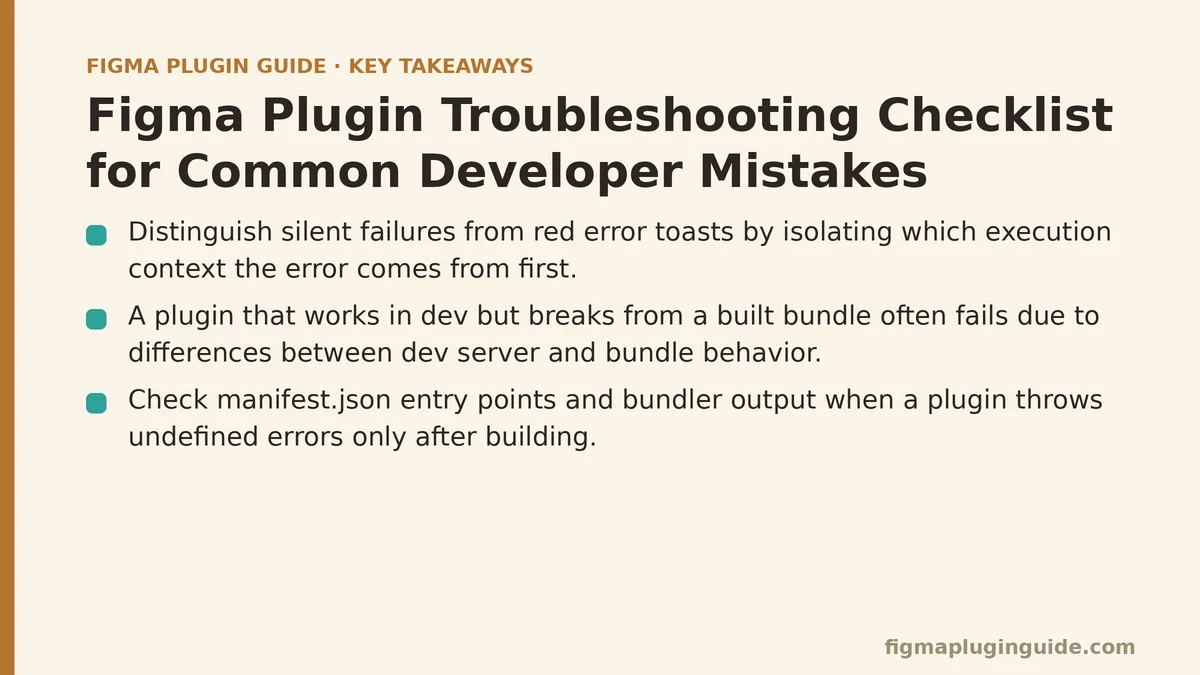
The Case: A Plugin That Works in Dev and Breaks in the Build
The scenario is common enough to be a template. The plugin has two entry points declared in manifest.json:
{
  "name": "My Plugin",
  "id": "1234567890",
  "api": "1.0.0",
  "main": "dist/code.js",
  "ui": "dist/ui.html",
  "editorType": ["figma"]
}
Locally, the plugin runs through a dev server that serves code.js from a bundler’s watch mode and injects the UI via an inline <script> tag. The plugin works. Then npm run build produces a production bundle, the plugin is reinstalled in Figma, and the UI panel opens but every button click throws:
TypeError: Cannot read properties of undefined (reading 'postMessage')
The instinct is to look at the button handler. The right move is to look at which side of the postMessage boundary the error originates from — and that requires a mental model of how the two contexts communicate.
Why the Error Message Points the Wrong Way
Figma plugins run in two separate JavaScript contexts:
- The main thread (
code.js) — runs in the Figma sandbox, has access to thefigmaglobal, cannot access the DOM. - The UI thread (
ui.htmlin an iframe) — has the DOM, haswindow, does not havefigma.
They communicate exclusively through figma.ui.postMessage() (main → UI) and parent.postMessage() (UI → main). The error Cannot read properties of undefined (reading 'postMessage') usually means one of two things:
- The UI is calling
figma.ui.postMessage(...)— butfigmadoes not exist in the UI context. It exists only in the main thread. - The main thread is calling
parent.postMessage(...)— butparentdoes not exist in the sandbox. It exists only in the UI.
In the case above, the UI bundle had been tree-shaken in production such that the window.parent reference in a helper module was rewritten to a bare parent, which resolved to undefined in the iframe due to a missing global. That is a build-configuration mistake wearing the costume of a runtime bug. Once you know which context the failing line lives in, the entire debugging surface collapses to maybe five possibilities.
Checklist Item 1: Confirm Which Context the Error Originates From
Before reading the error text, add a console log at the top of each entry file:
// code.js
console.log("[main] loaded, figma global present:", typeof figma !== "undefined");

// ui.html (inside the iframe)
console.log("[ui] loaded, parent present:", typeof parent !== "undefined");
Open Figma’s Plugins → Development → Open console to see the main-thread log, and open the browser’s developer tools on the plugin iframe (right-click the UI panel → Inspect) to see the UI-thread log. If only one of those appears, you have narrowed the bug to whichever context failed to initialize — which is a very different next step than a bug in a specific handler.
A failure mode worth knowing: if the main thread throws before figma.showUI() is called, the UI never appears at all, and the error is only visible in the plugin console. If the UI appears but is blank, the main thread is running but the UI’s HTML or script is failing to parse.
Checklist Item 2: Verify the Manifest Matches the Build Output
The manifest is a static JSON file that Figma reads to locate your entry points. It does not know about your bundler’s output directory unless you tell it. Three fields are the source of most mismatches:
| Manifest field | What Figma does with it | Common mistake |
|---|---|---|
main | Fetches and executes this JS file in the sandbox | Points to source (e.g. src/code.ts) instead of the built output |
ui | Loads this HTML file into the plugin iframe | Points to a templated dev file, not the production HTML |
editorType | Selects which Figma editors can run the plugin | Omits "figjam" or "dev" when the plugin should run in those editors |
A quick sanity check from the terminal:
# Verify every path in the manifest resolves to a real file on disk
node -e "
  const fs = require('fs');
  const m = JSON.parse(fs.readFileSync('manifest.json', 'utf-8'));
  for (const key of ['main', 'ui']) {
    if (!m[key]) { console.log(key, 'MISSING from manifest'); continue; }
    console.log(key, '->', m[key], fs.existsSync(m[key]) ? 'OK' : 'NOT FOUND');
  }
"
Run this after every build. If main reports NOT FOUND, the build did not produce the file Figma is being told to load, and no amount of debugging in the plugin code will help.
When not to use a separate built manifest: some build setups generate a manifest.json at build time with injected values (hashed filenames, environment flags). That is fine — but the committed manifest and the built manifest must not drift. If you keep both, add a diff step in CI or in a pre-commit hook that fails when they disagree.
Checklist Item 3: Audit the api Version and Editor Targeting
The api field in manifest.json declares which Figma Plugin API version your plugin targets. New APIs are added behind this field. If you are calling a method that does not exist in your declared API version, the call fails at runtime with an error that often points at the line but not at the cause.
Two symptoms are consistently misattributed:
- “X is not a function” on a
figma.something.method()call — usually an API version mismatch. Check the Plugin API changelog for when the method was introduced. - The plugin button is greyed out in FigJam — the
editorTypearray does not include"figjam", even if the manifest targets"figma".
Cross-check the api value against the Figma version the plugin is being tested in. A plugin built against "api": "1.0.0" but using a method introduced in a later API version will fail on older Figma desktop builds without any obvious clue beyond the missing-method error.
Checklist Item 4: Trace the postMessage Round-Trip
If postMessage succeeds but the receiving end never handles the message, you have a different class of bug: a typo in the message type, a listener registered on the wrong event.source, or a handler that was cleaned up before the message arrived.
The safest pattern is to define your message types once and reference them from both sides:
// shared/messages.js (imported by both main and UI)
export const MSG = {
  RESIZE: "resize",
  SELECT_NODES: "select-nodes",
  APPLY_LAYOUT: "apply-layout",
};

// code.js (main thread)
figma.ui.onmessage = (msg) => {
  if (msg.type === MSG.SELECT_NODES) {
    const nodes = figma.currentPage.selection;
    figma.ui.postMessage({ type: MSG.APPLY_LAYOUT, count: nodes.length });
  }
};

// ui.html (UI thread)
window.onmessage = (event) => {
  const msg = event.data.pluginMessage;
  if (!msg) return; // ignore unrelated messages
  if (msg.type === MSG.APPLY_LAYOUT) {
    document.querySelector("#status").textContent = `${msg.count} nodes`;
  }
};
window.parent.postMessage({ pluginMessage: { type: MSG.SELECT_NODES } }, "*");
Three details in that snippet are load-bearing:
- The
pluginMessagewrapper. Messages from the main thread arrive in the UI asevent.data.pluginMessage, not asevent.datadirectly. Reading the wrong one is one of the most common Figma-specific mistakes. - The
event.sourcecheck on the UI side. If your UI embeds any external iframe or loads third-party scripts, drop or ignore messages that do not come fromparent. Without that check, unrelatedmessageevents on the globalwindowget processed as plugin messages. - The
"*"origin target. It is fine forpostMessagetoparentbecause the parent is your own Figma host. Using"*"is the correct choice here; there is no cross-origin target to constrain against.
Checklist Item 5: Check Async Boundaries and Promise Rejection Handling
A large share of “plugin does nothing” bugs come from a promise that rejects and never surfaces its error. The main-thread sandbox does not always present unhandled rejections in the plugin console the way a browser tab does. Two habits help:
- Wrap every top-level entry in a
try/catchthat logs the error and callsfigma.notify()to surface it to the user during development. - Attach
.catch()handlers to every promise chain that can fail —figma.loadFontAsync,figma.getNodeByIdAsync,importPlugin/getLocalTextStylesAsync.
figma.notify("Plugin starting", { timeout: 1000 });
try {
  await figma.loadFontAsync({ family: "Inter", style: "Regular" });
} catch (err) {
  console.error("[main] font load failed", err);
  figma.notify(`Font load failed: ${err.message}`, { timeout: 5000 });
  figma.closePlugin();
}
Failure mode to watch for: figma.loadFontAsync rejects if the font is unavailable in the current user’s environment. On a user without the font installed, the whole plugin may terminate silently because the rejection bubbles up past the top-level await. The notify call turns that into a visible message and makes it far easier to correlate the error with the triggering action.
Checklist Item 6: Reproduce the Failure in the Smallest Possible Plugin
When none of the above narrows the bug, the fastest way to isolate it is to strip the plugin down to the smallest version that reproduces the failure. That means:
- A new folder with a fresh
manifest.jsondeclaring onlymainandui. - A single
code.jsthat callsfigma.showUI(__html__)and nothing else. - A single
ui.htmlwith one button and one message handler.
If the stripped plugin fails, the bug is in your build output, manifest, or Figma environment — not your application logic. If it works, add your code back in one module at a time and rebuild after each addition. The moment the bug returns, you have isolated the offending module.
This technique scales better than reading log output because it removes entire categories of possible causes with each rebuild. It is a five-minute investment that routinely saves an hour of log-reading.
When a Fresh Checkout Reproduces the Bug and Your Working Copy Does Not
This is the classic sign of a stale local state issue, and it is worth a dedicated step. The usual culprits:
- Stale
node_modulesmasking a missing or mismatched dependency inpackage.json. Runrm -rf node_modules package-lock.json && npm installand try again.npm cifrom a clean state is the authoritative test. - A globally installed Figma plugin still pointing at the old bundle. Reinstall the plugin through Plugins → Development → Import plugin from manifest after every build that touches
manifest.json. - The Figma desktop app caching the old plugin file. Restart the app after reinstalling a plugin whose
mainoruipath changed.
If the bug, the working copy, and a fresh checkout all behave differently, trust the fresh checkout. That is the environment your users are running.
A Decision Table for the First Ten Minutes of Debugging
| Symptom | First place to look | Likely cause |
|---|---|---|
| UI never appears | Main-thread console | figma.showUI never called, or thrown before it |
| UI appears blank | UI console + manifest.ui path | Wrong HTML file in manifest, or inline script failed to parse |
| Buttons do nothing, no error | postMessage type values | Typo between code.js and ui.html, or missing listener |
| Error: “X is not a function” | manifest.api version | API version older than the method you are calling |
| Works locally, breaks in build | Bundler config | Tree-shaking removed or rewrote a required reference |
| Works on your machine, not others | Font availability, node_modules | loadFontAsync rejection, or missing dependency |
Where to Start
The plugin in the case study above was fixed by correcting the bundler’s global-injection setting for parent — a one-line config change that took ten minutes to find after a two-hour detour through the button handler. The detour is what this checklist is designed to eliminate. Every item above is a wedge that removes whole categories of cause at once, rather than the incremental narrowing that reading runtime logs alone tends to produce.
If you are currently staring at a plugin that “worked yesterday,” which checklist item have you not verified yet — the manifest paths, the API version, or the postMessage message type? That unverified item is usually where the bug is hiding.
Related guides: Mastering the Figma Plugin Manifest: A Complete Configuration Reference, Figma Plugin API: Working with Styles, Components, and Variables, and Figma Plugin PostMessage: Patterns, Pitfalls, and Best Practices.